
Design
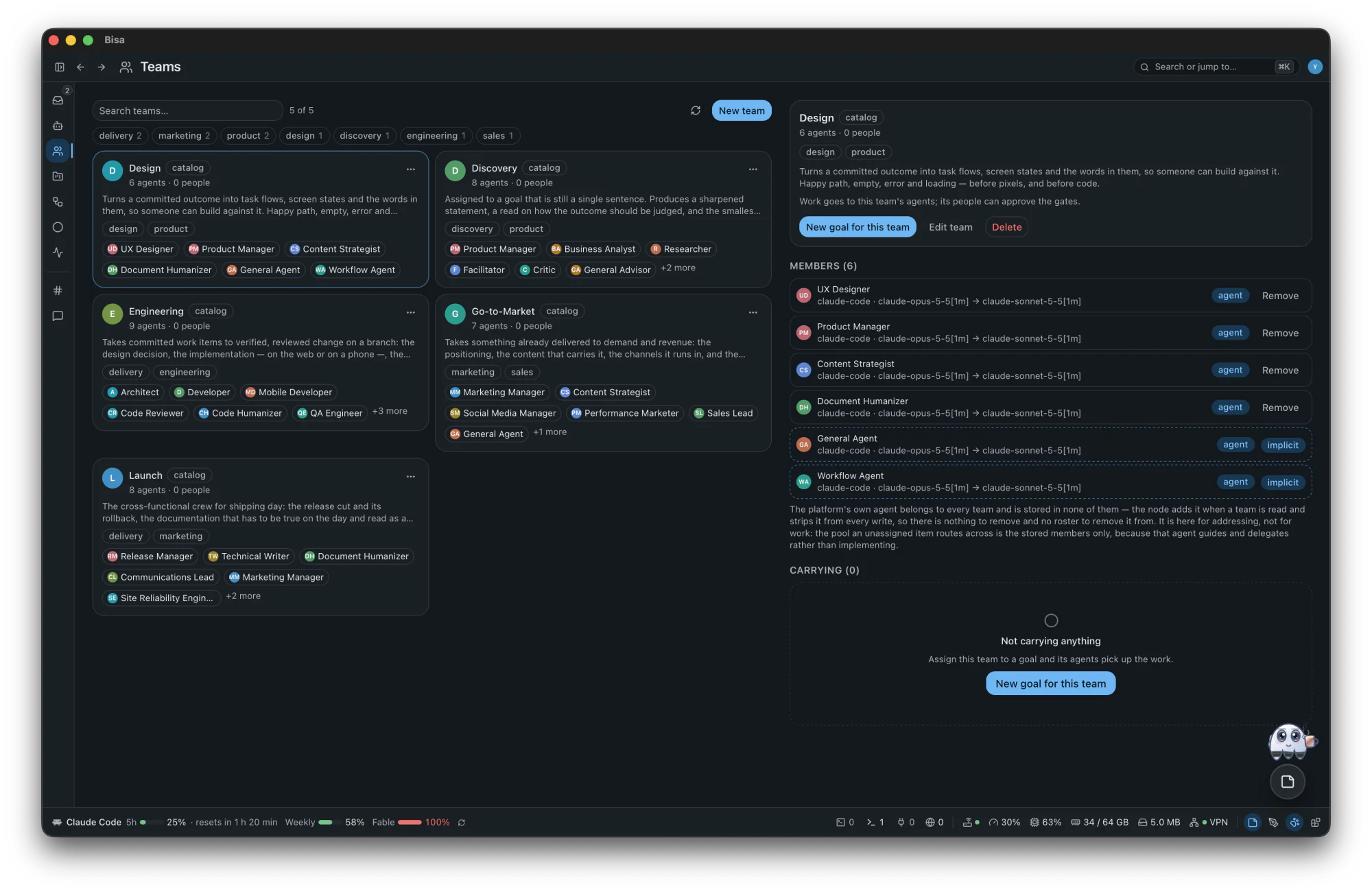
Turns a committed outcome into task flows, screen states and the words in them, so someone can build against it.
UX DesignerProduct ManagerContent StrategistDocument Humanizer
Your coding agents, your goals, your machine. No server, no account — open source.
macOS 11 or later, on Apple Silicon and Intel: signed, notarized, free and open source. On Linux or Windows, you can build it from source today.
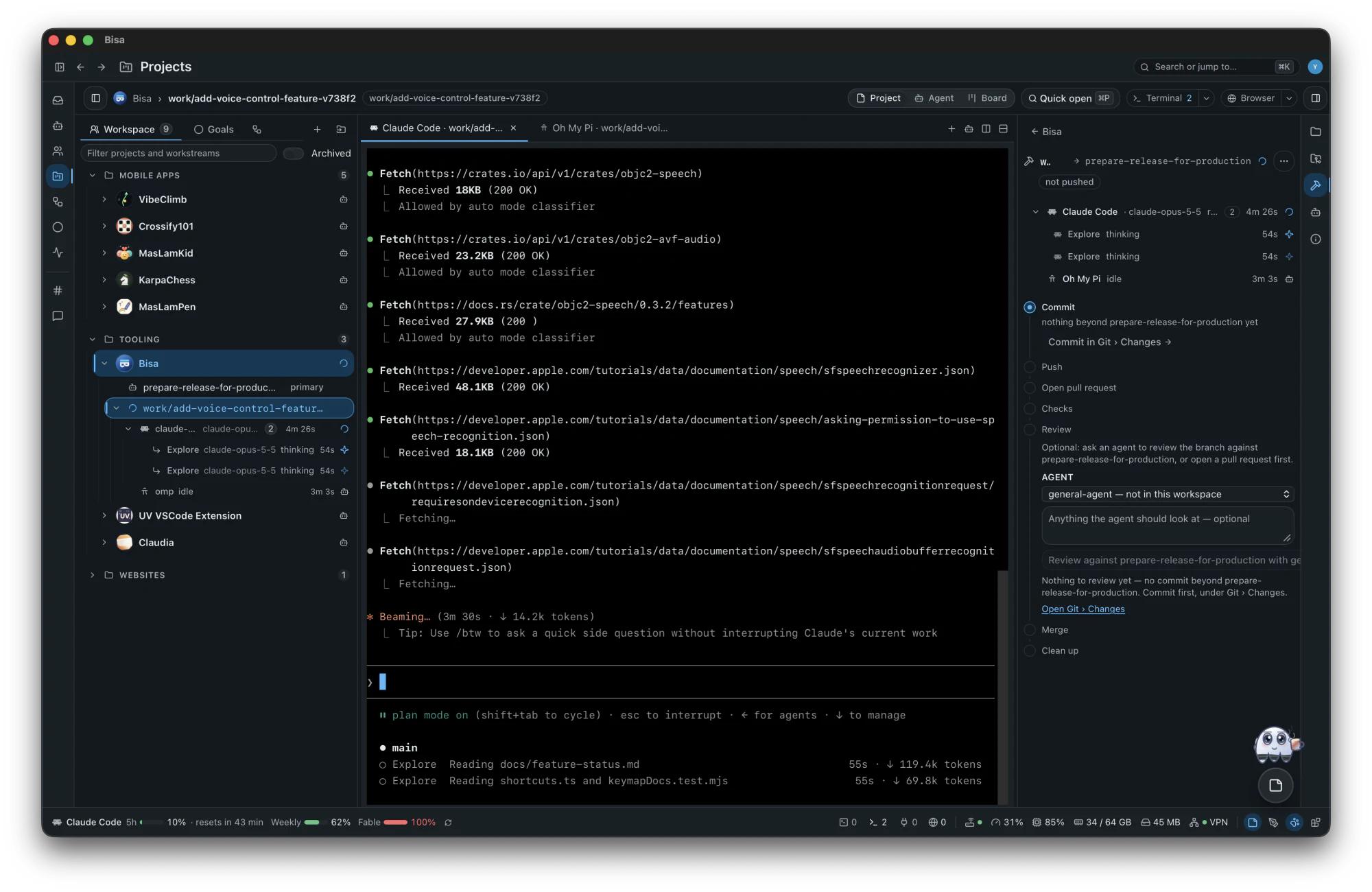
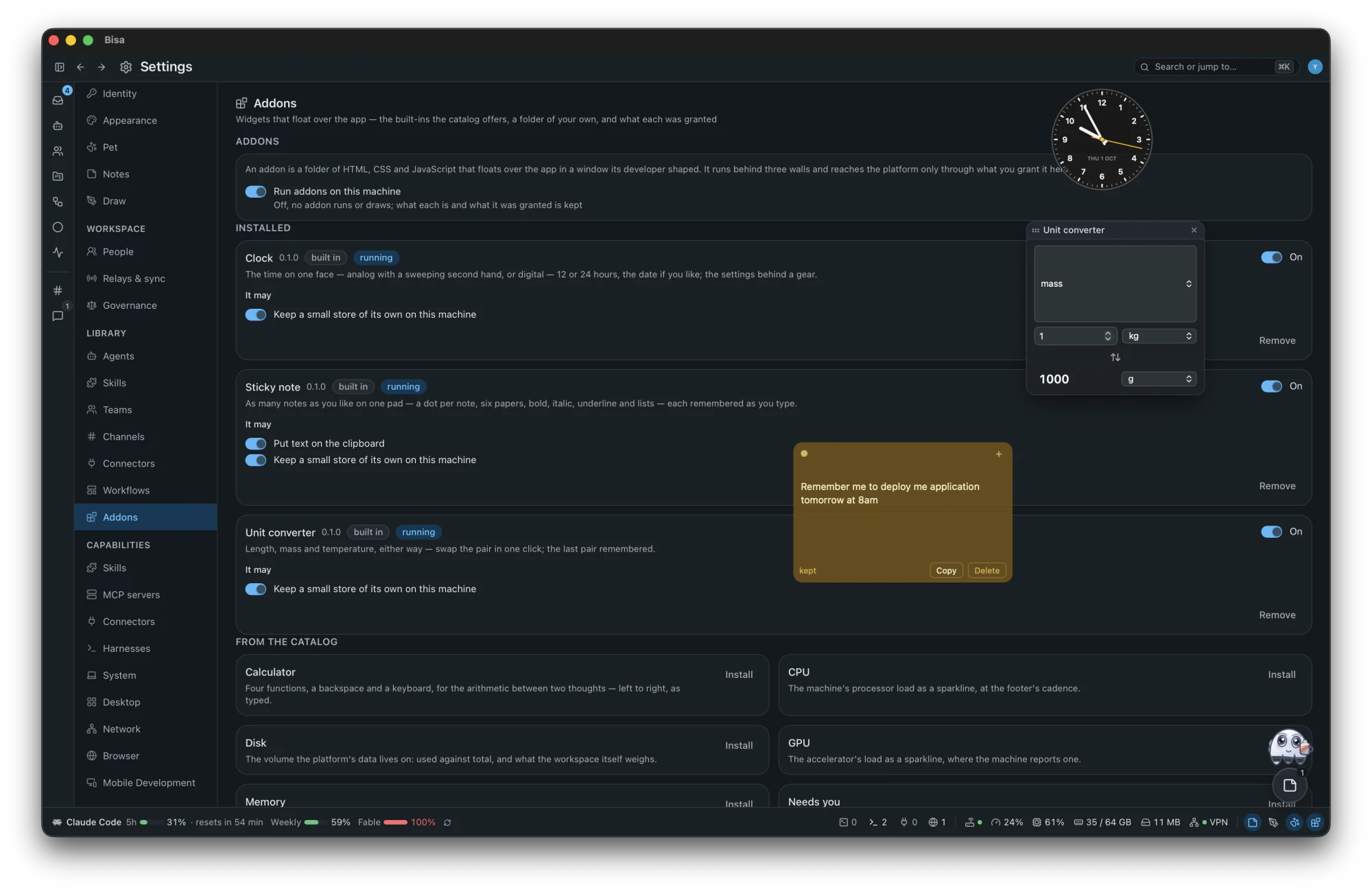
Works with the harnesses you already have: the coding agents you run from a terminal.
Claude CodeCodex CLIGitHub Copilot CLIGrok BuildGemini CLIOpenCodepiOh My PiGooseCursor Agent
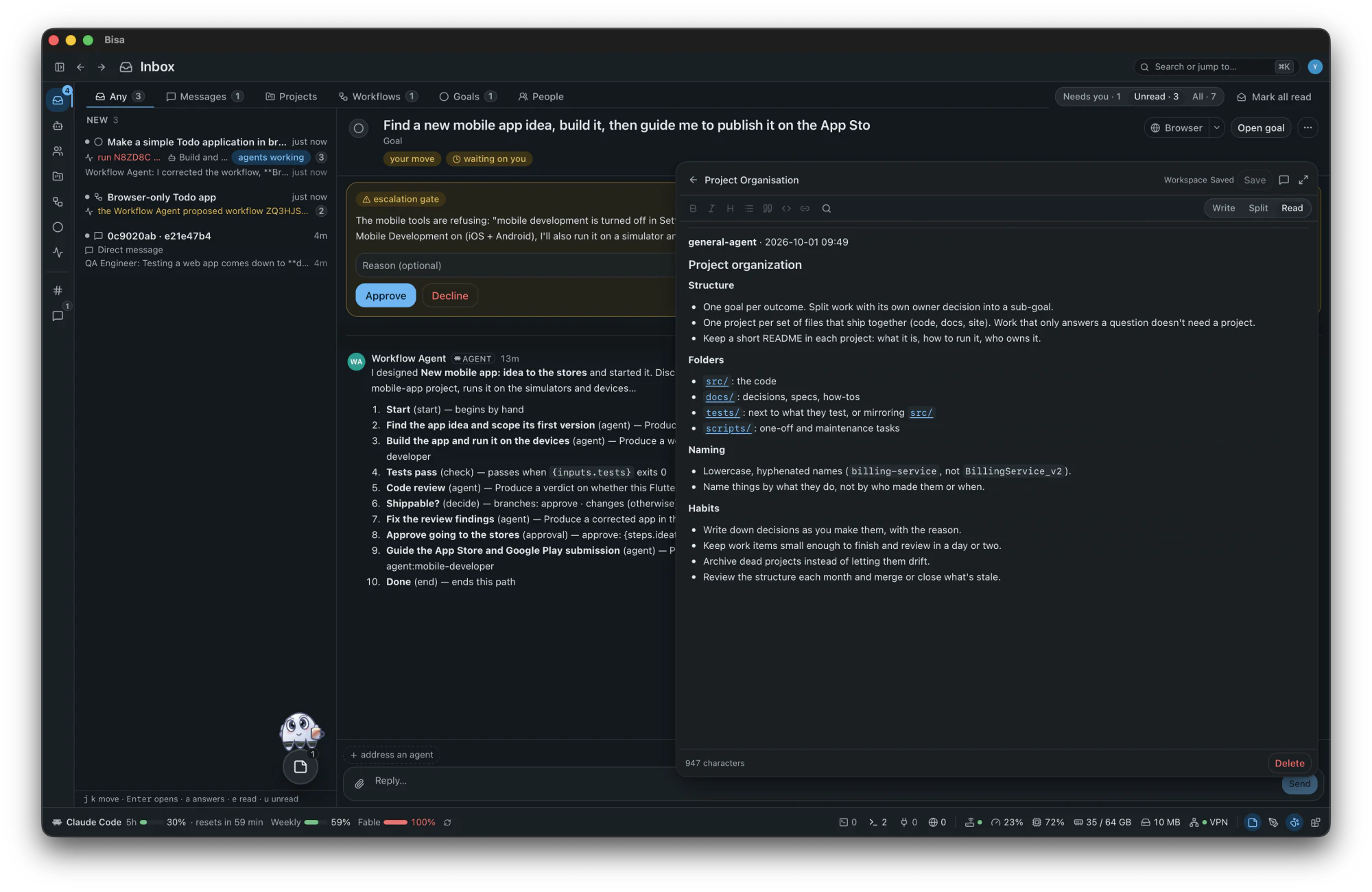
Agents do the work; anything that waits on a person waits here, and nowhere else.
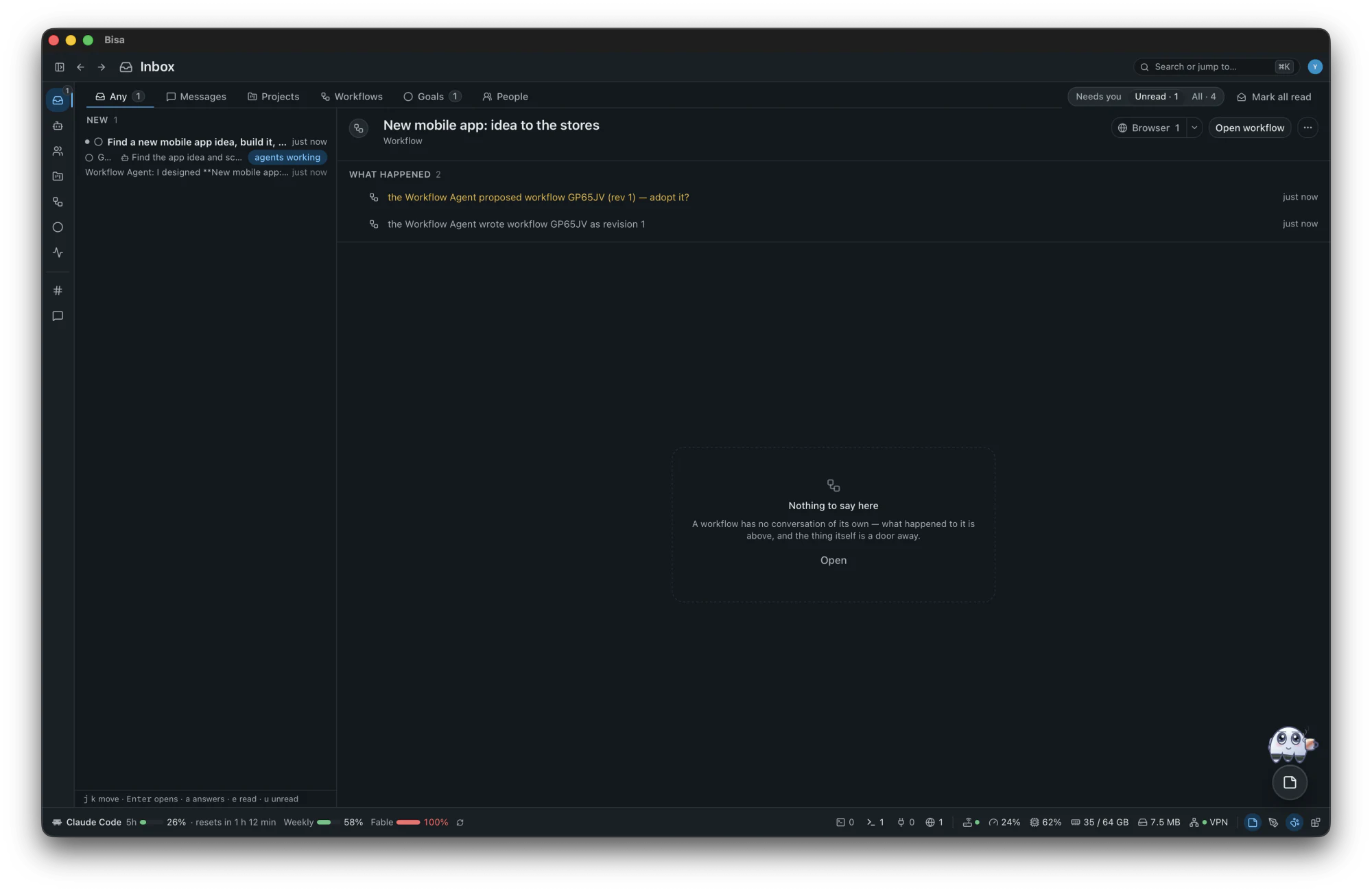
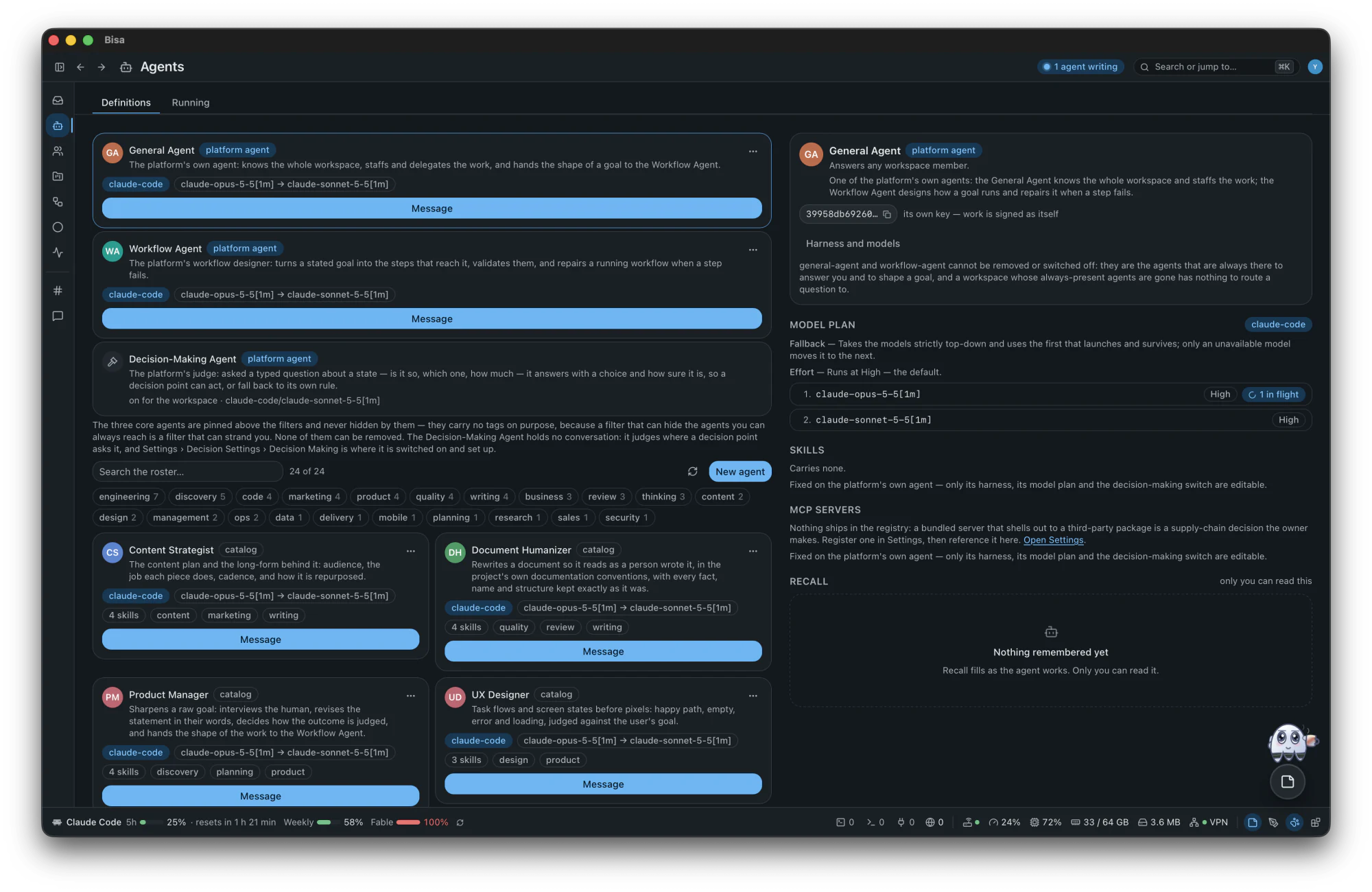
32 agents in the catalog, named after jobs you know, each running on a harness you already have.
A team gathers agents and people under a purpose; assign it a goal and the work is staffed from it.
Turns a committed outcome into task flows, screen states and the words in them, so someone can build against it.
UX DesignerProduct ManagerContent StrategistDocument Humanizer
Assigned to a goal that is still a single sentence.
Product ManagerBusiness AnalystResearcherFacilitatorCriticGeneral Advisor
Takes committed work items to verified, reviewed change on a branch: the design decision, the implementation — on the web or on a phone —, the review of the diff, the rewrite that makes it read as a person's, and the security read that goes with it.
ArchitectDeveloperMobile DeveloperCode ReviewerCode HumanizerQA EngineerSecurity Engineer
Takes something already delivered to demand and revenue: the positioning, the content that carries it, the channels it runs in, and the pipeline that comes out the other end.
Marketing ManagerContent StrategistSocial Media ManagerPerformance MarketerSales Lead
The cross-functional crew for shipping day: the release cut and its rollback, the documentation that has to be true on the day and read as a person wrote it, the announcement, and someone named to be on the hook afterwards.
Release ManagerTechnical WriterDocument HumanizerCommunications LeadMarketing ManagerSite Reliability Engineer
Owns how work reaches production and what happens to it there: pipelines, environments, release cuts and incidents.
DevOps EngineerSite Reliability EngineerSecurity EngineerRelease Manager
The adversarial panel to assign when a decision is expensive or hard to reverse.
CriticRed TeamEvaluatorQA Engineer
Answers whether the thing is worth building and what it should cost.
Business StrategistFinance AnalystBusiness AnalystData AnalystLegal Advisor
Every phase staffed at once, from the business case to the first customer, so one goal can go end to end with the fewest handoffs and someone sequencing the ones that remain.
Product ManagerProject ManagerBusiness StrategistArchitectDeveloperQA EngineerDevOps EngineerMarketing ManagerSales LeadFinance Analyst
Every piece of work gets a workstream, a branch and a checkout of its own, so switching never touches your tree.
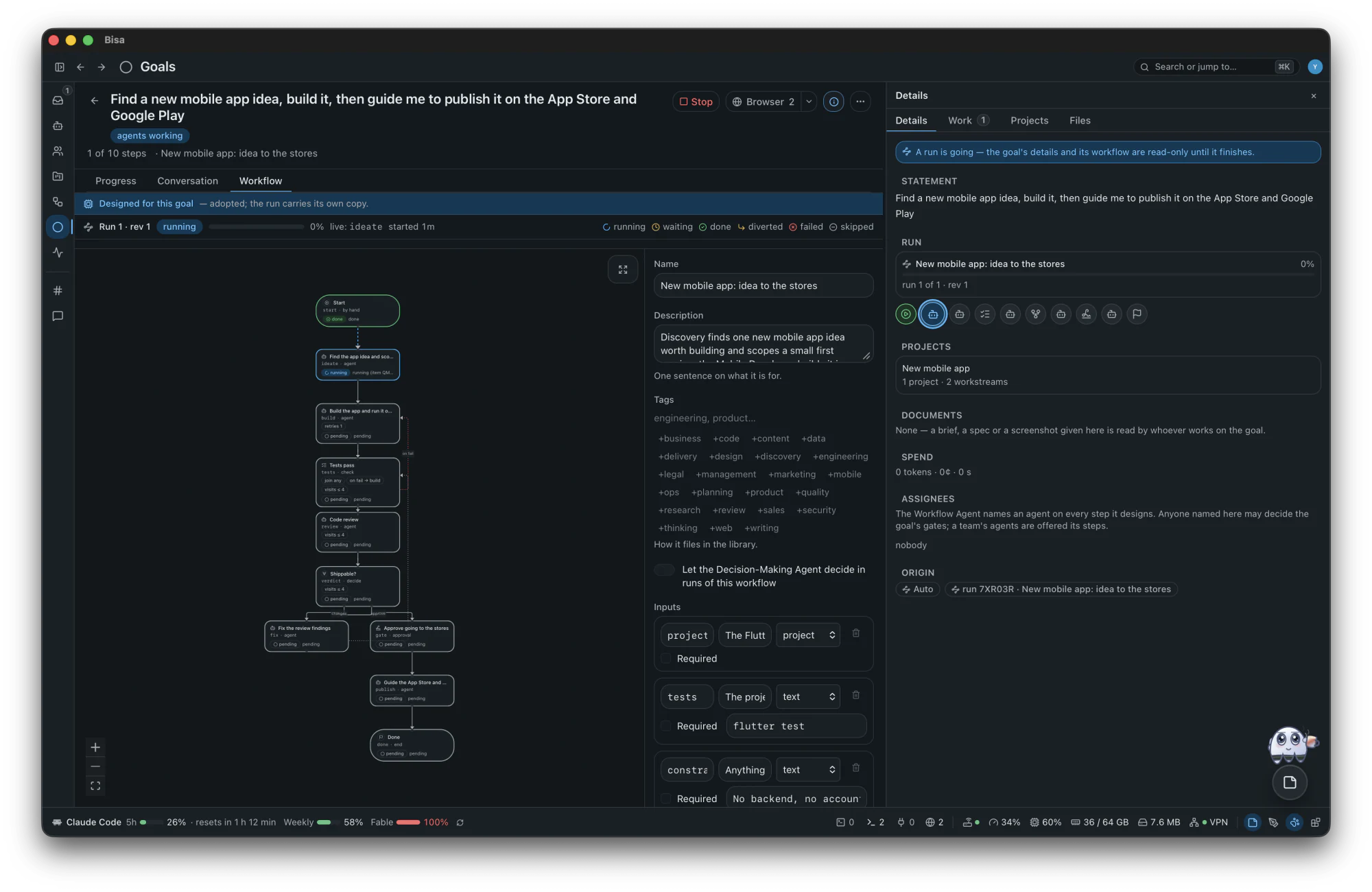
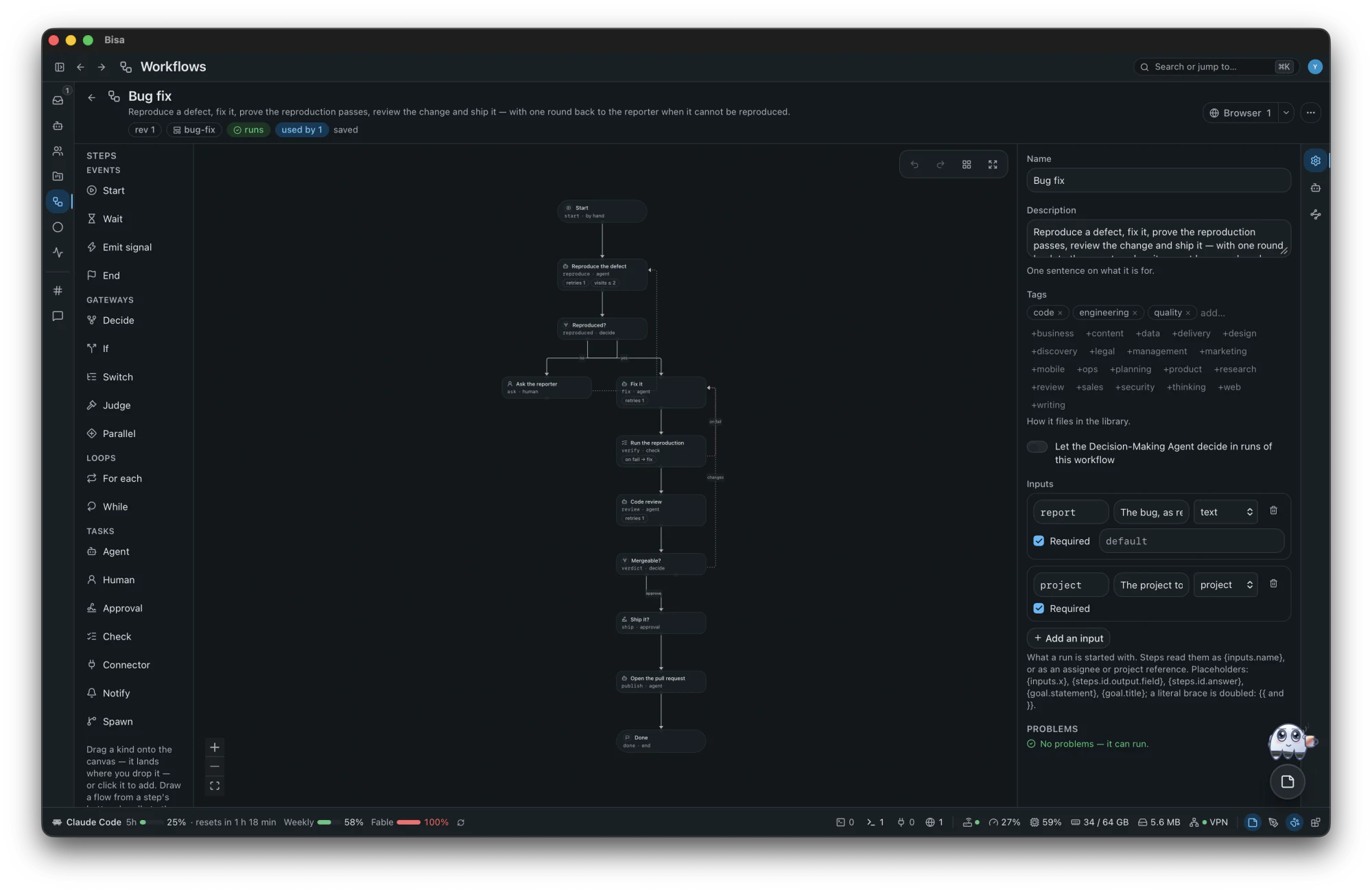
A workflow is a small graph of steps (agents work, checks judge, people approve) that you read before it starts and watch while it runs.
State a goal in one sentence: agents design and run the work, and you decide what only a person can.
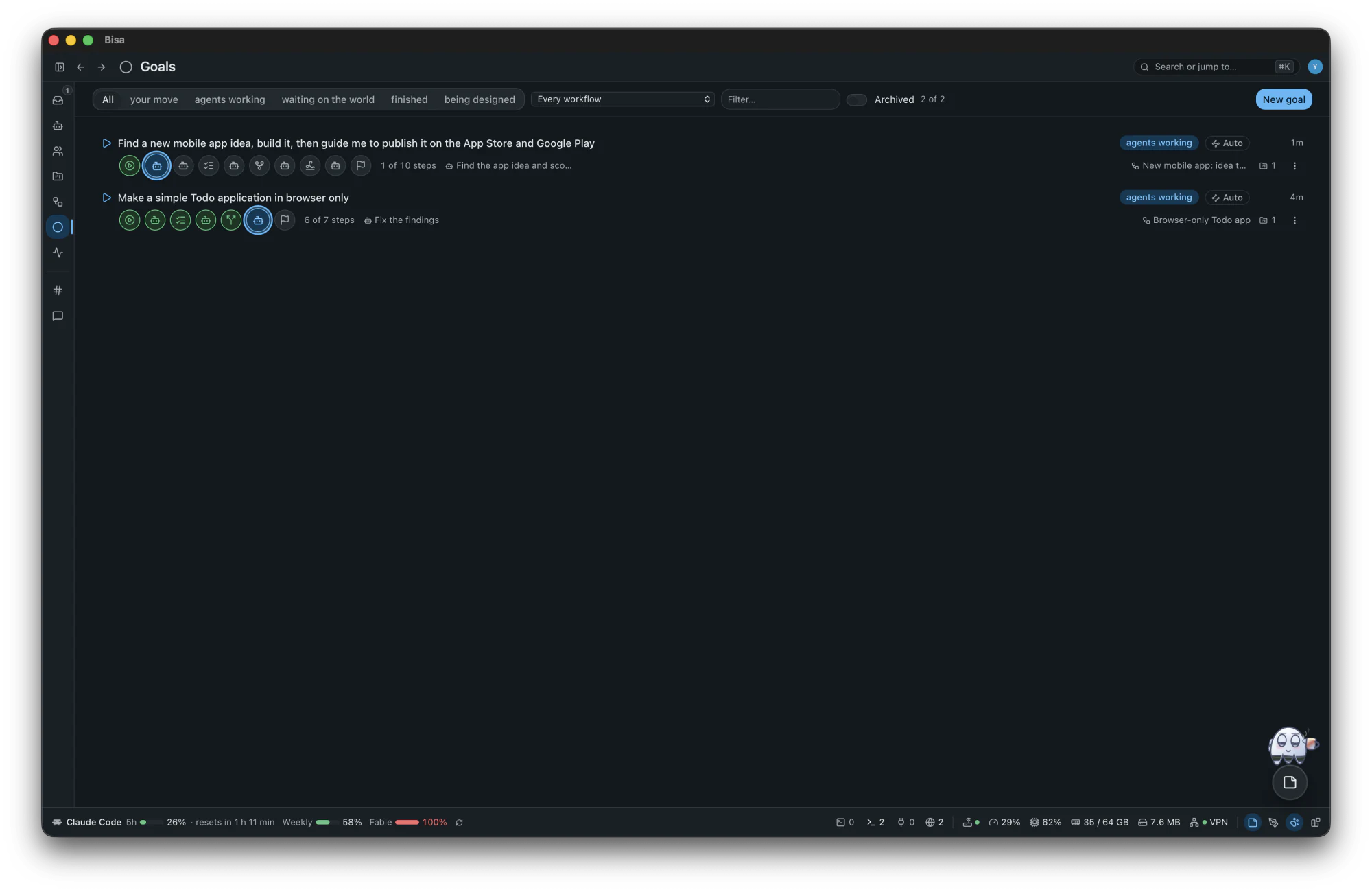
The workspace's live feed of every step that moves, every message and every agent at work, so you can look in without asking anyone.
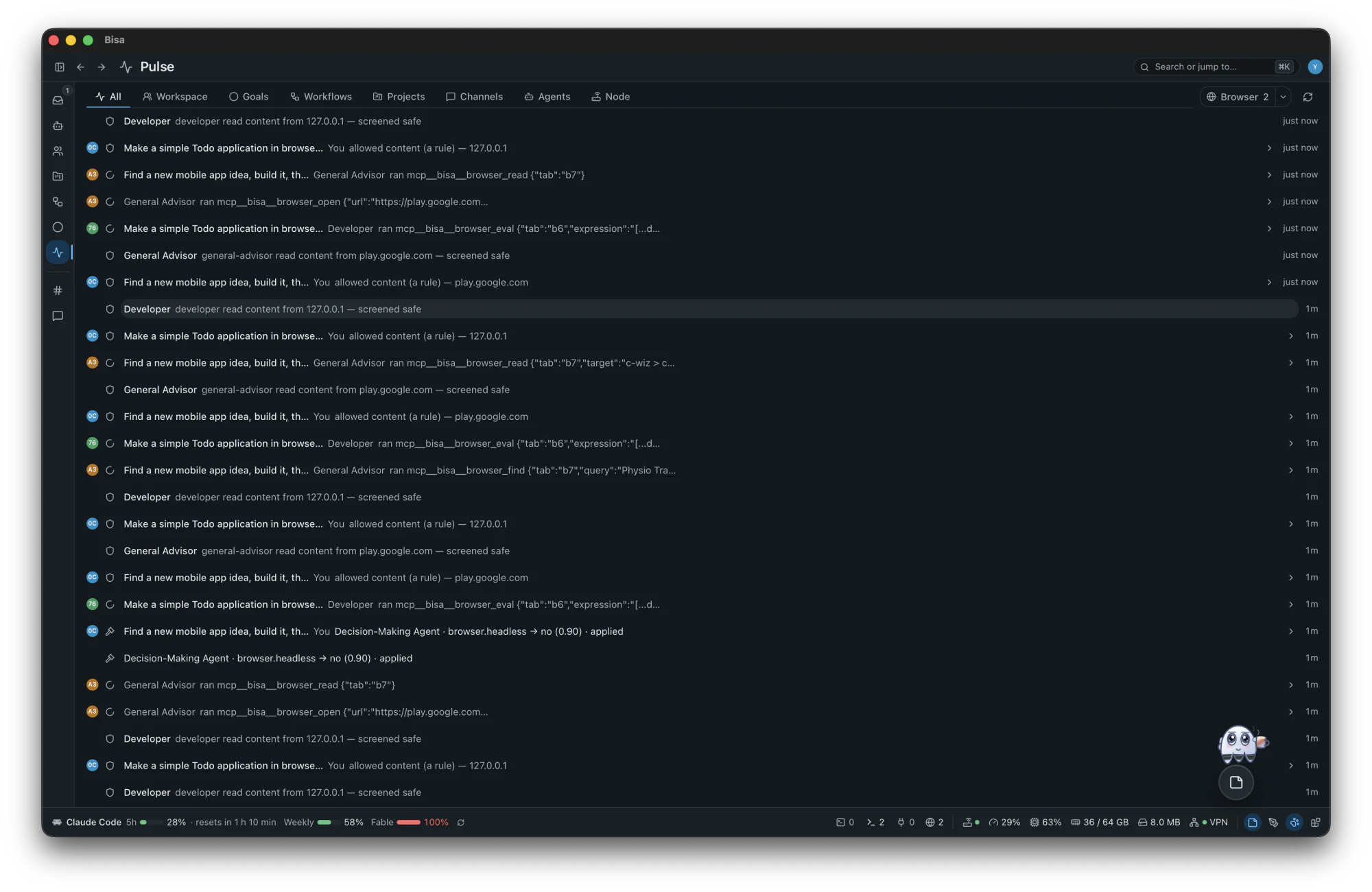
Standing rooms where nobody answers unless addressed, and a message that names nobody goes to the General Agent.
general.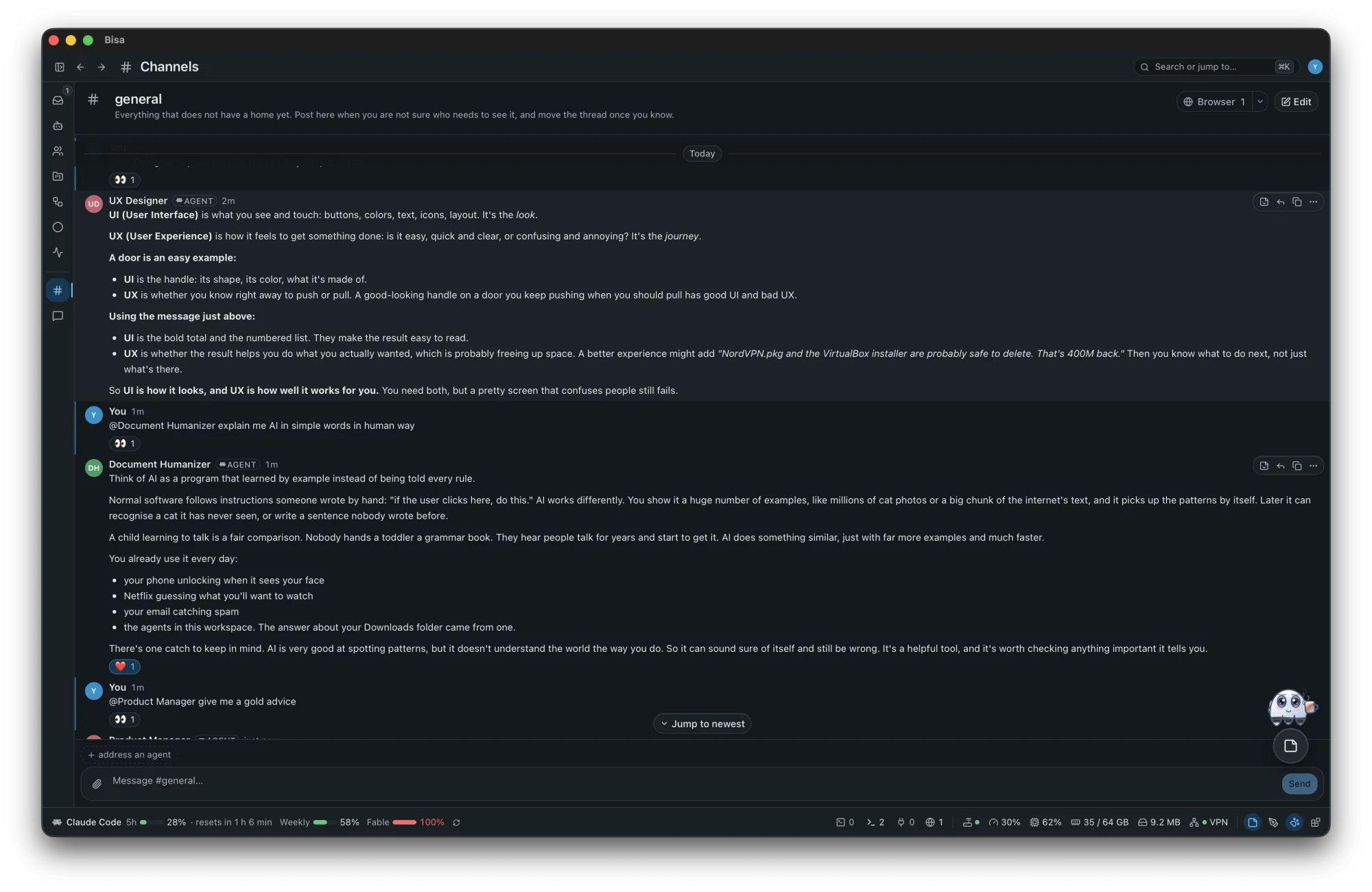
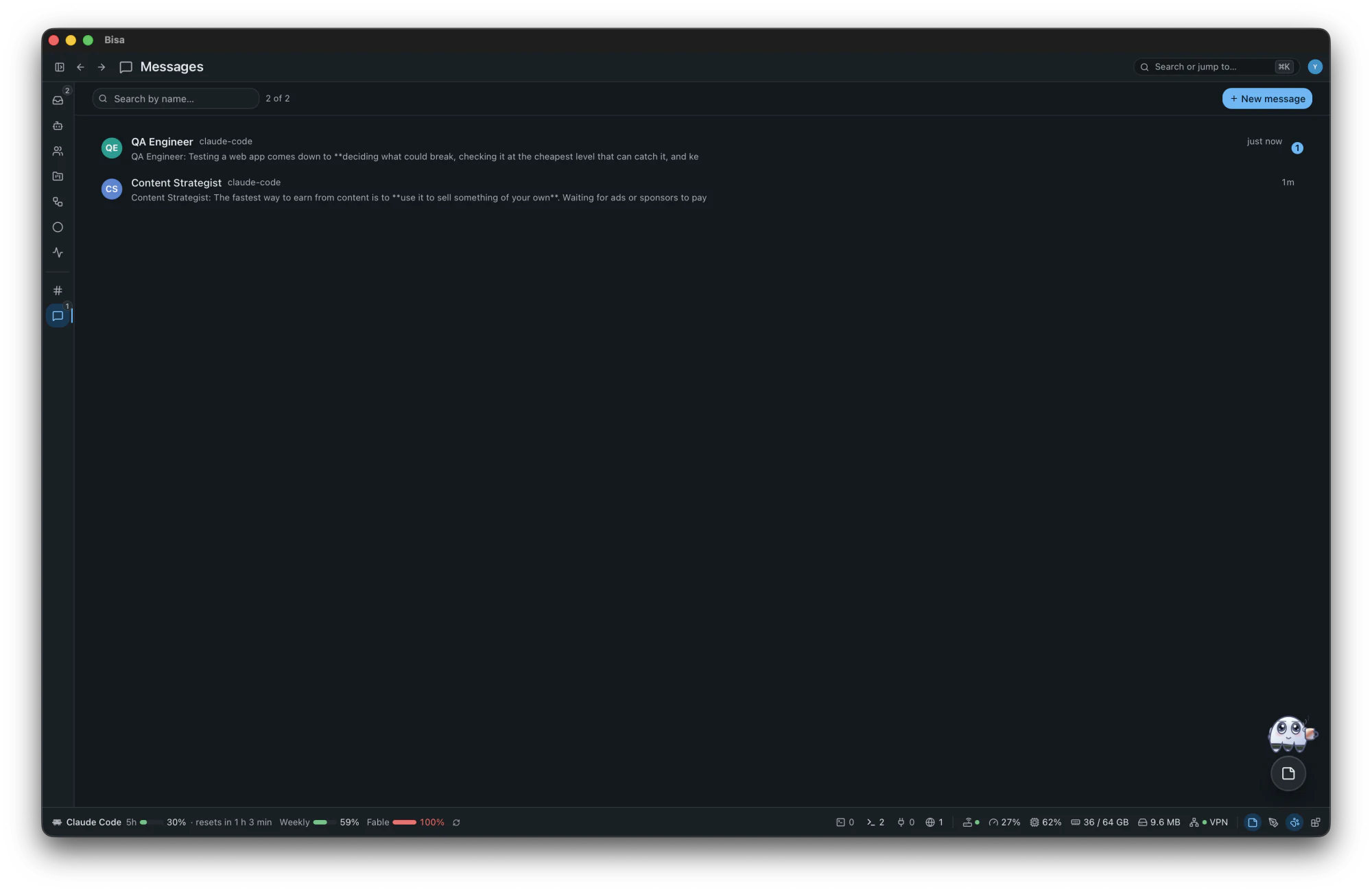
Talk to any agent directly, on its own harness, or to a person on another machine.
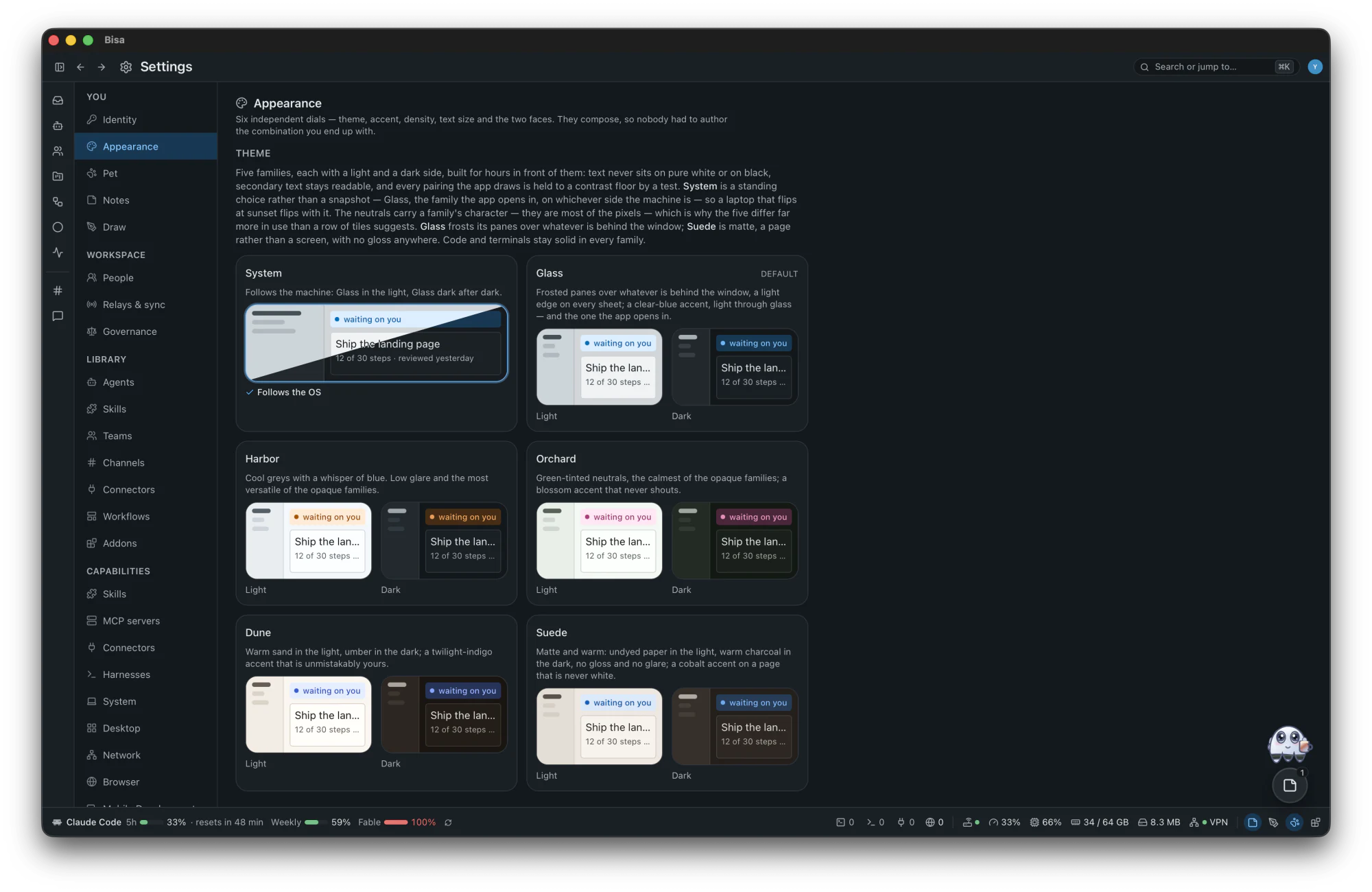
The nearest setting wins, and every control shows where its value comes from.
Invite people by link, code or QR at a role you choose; what you share is encrypted end to end. Optional, and off by default.
Known secrets reach agents only as placeholders, and a guarded harness's commands are checked before they run. Best effort, never a sandbox.
11 decision points ask the Decision-Making Agent first, and keep their own rule for when it is not sure.
Outside platforms as workflow steps, with accounts you add and an approval before every write.
A markdown note on anything in the workspace, kept on this machine in a git repository of its own.
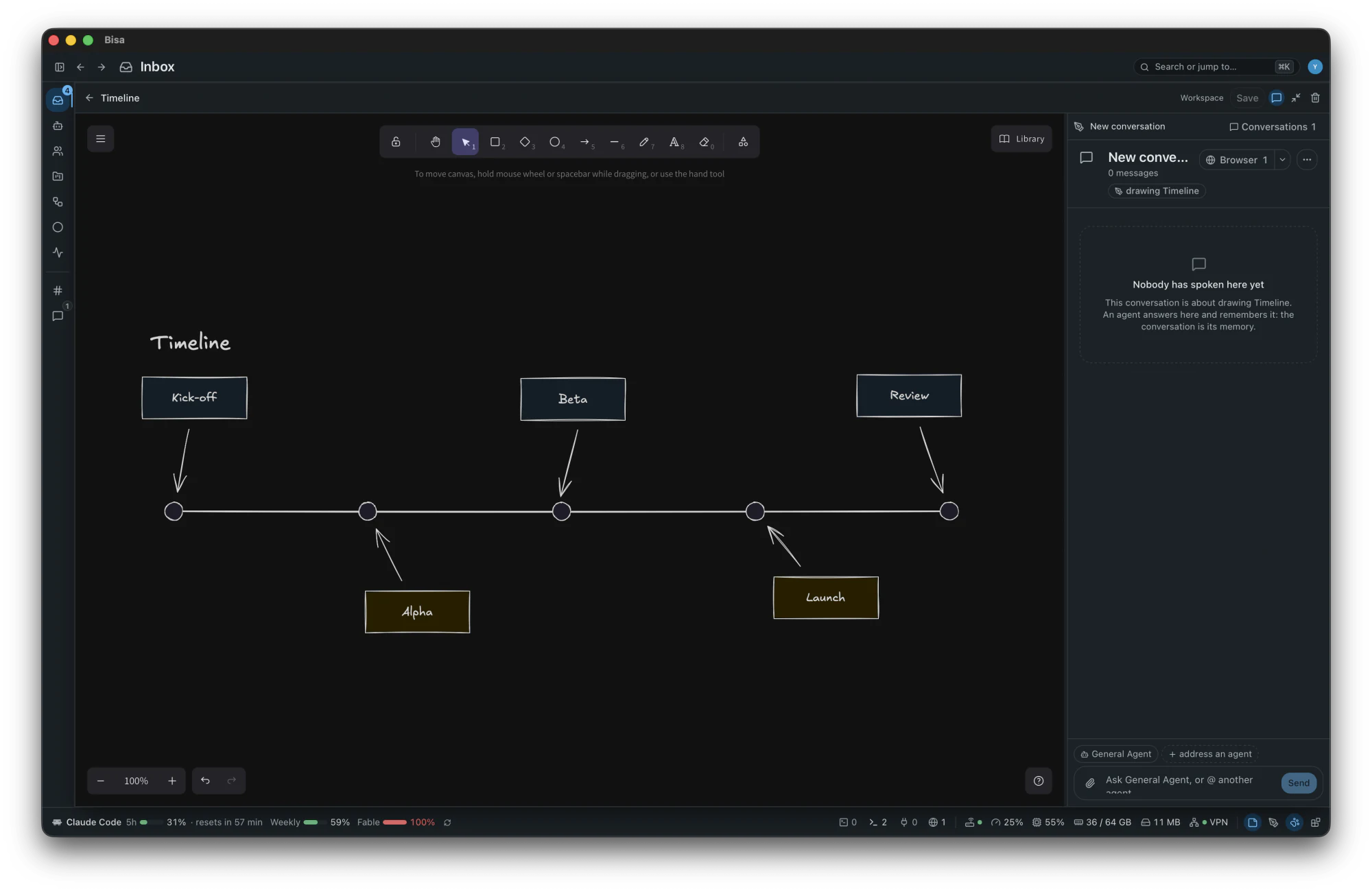
An Excalidraw canvas over the app: ask an agent to draw, and watch its shapes land.
Small windows of HTML, CSS and JavaScript over the app, each reaching only what you grant it.
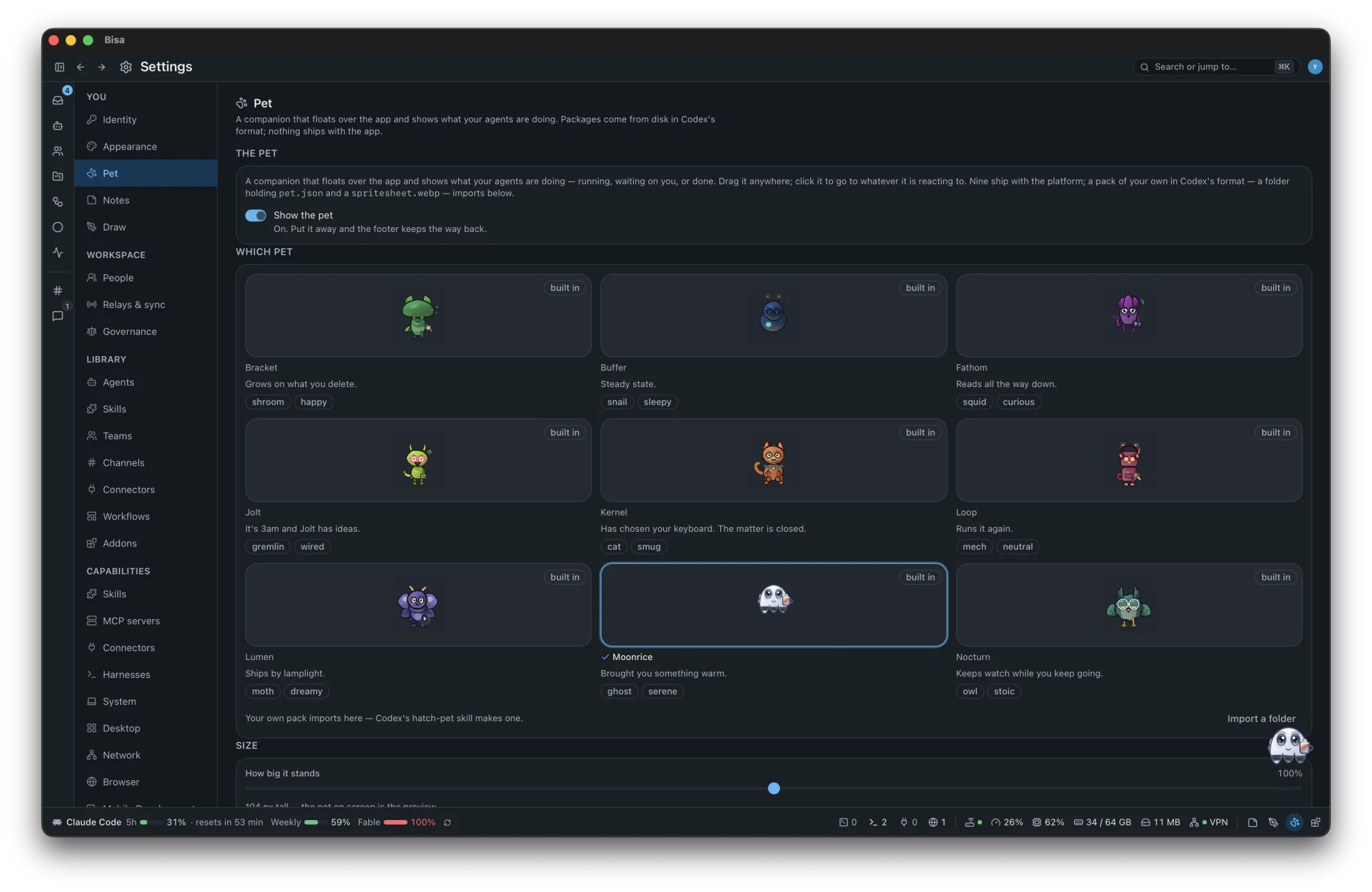
One keeps you company while agents work, and shows what they are doing. Moonrice brings something warm around two in the morning.
The whole platform area by area, a hundred things people ask of it, and what is not there yet.
Yes. It is open source under the MIT licence. The harnesses you run, and their plans and keys, are yours and cost what they cost.
No. A key made on first run is your identity, and everything lives on your machine, in ~/.bisa.
Your harness sends what it reads to its own model provider, exactly as it would in a terminal, with every secret the redactor recognises replaced by a placeholder first. Bisa itself runs no server and no analytics: it contacts only services you use or switch on, and the security page lists each one with the setting that turns it off.
No, and it does not pretend to be. Its protections are best effort: secrets are redacted, a guarded harness's commands are judged before they run, and a harness Bisa only observes runs under its own sandbox. Workstreams are separate checkouts, not containers.
macOS 11 or later, on Apple Silicon and Intel, as a signed, notarized disk image. Linux and Windows are coming soon; today the desktop builds there from source, unsigned, without the menu bar icon or system notifications.
The first launch checks five things (git, a harness and the three core agents) and installs nothing: where something is missing, it shows the official line to copy.